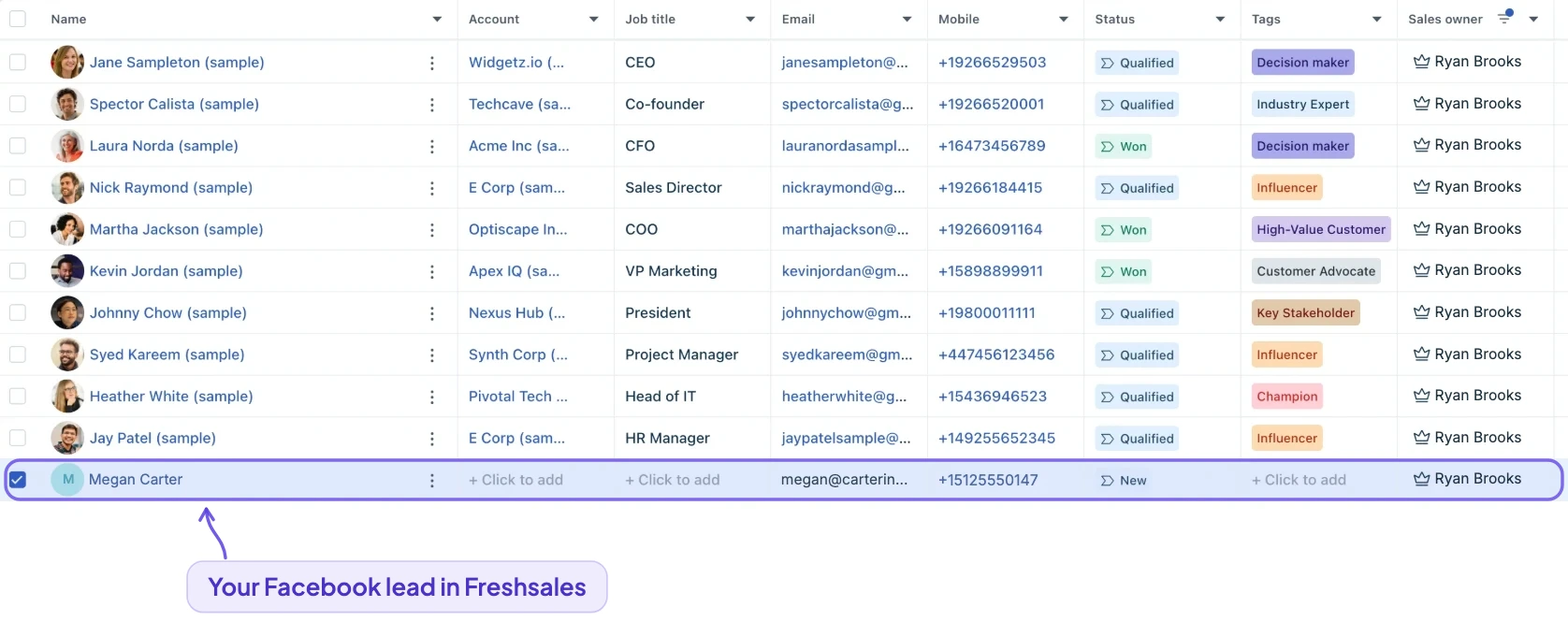
How do I send Facebook leads to Freshsales?
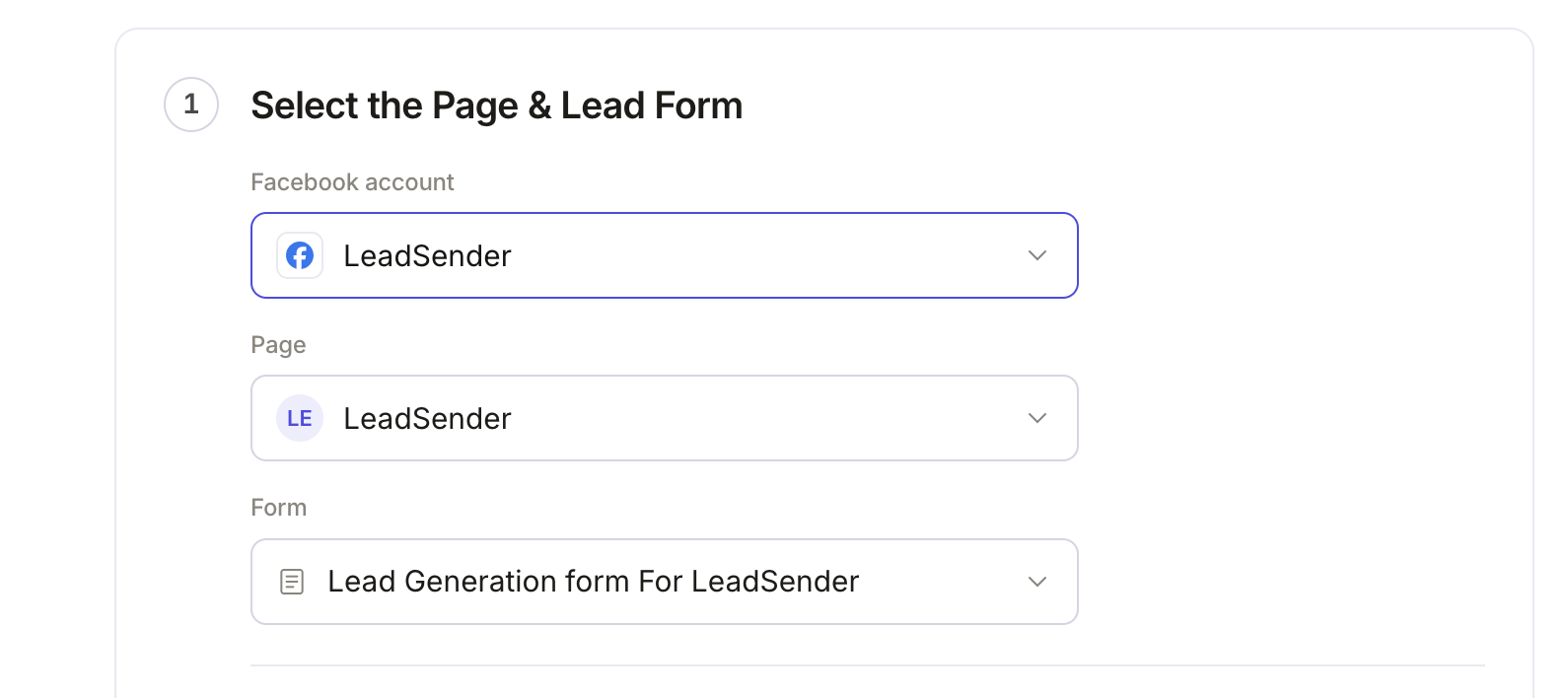
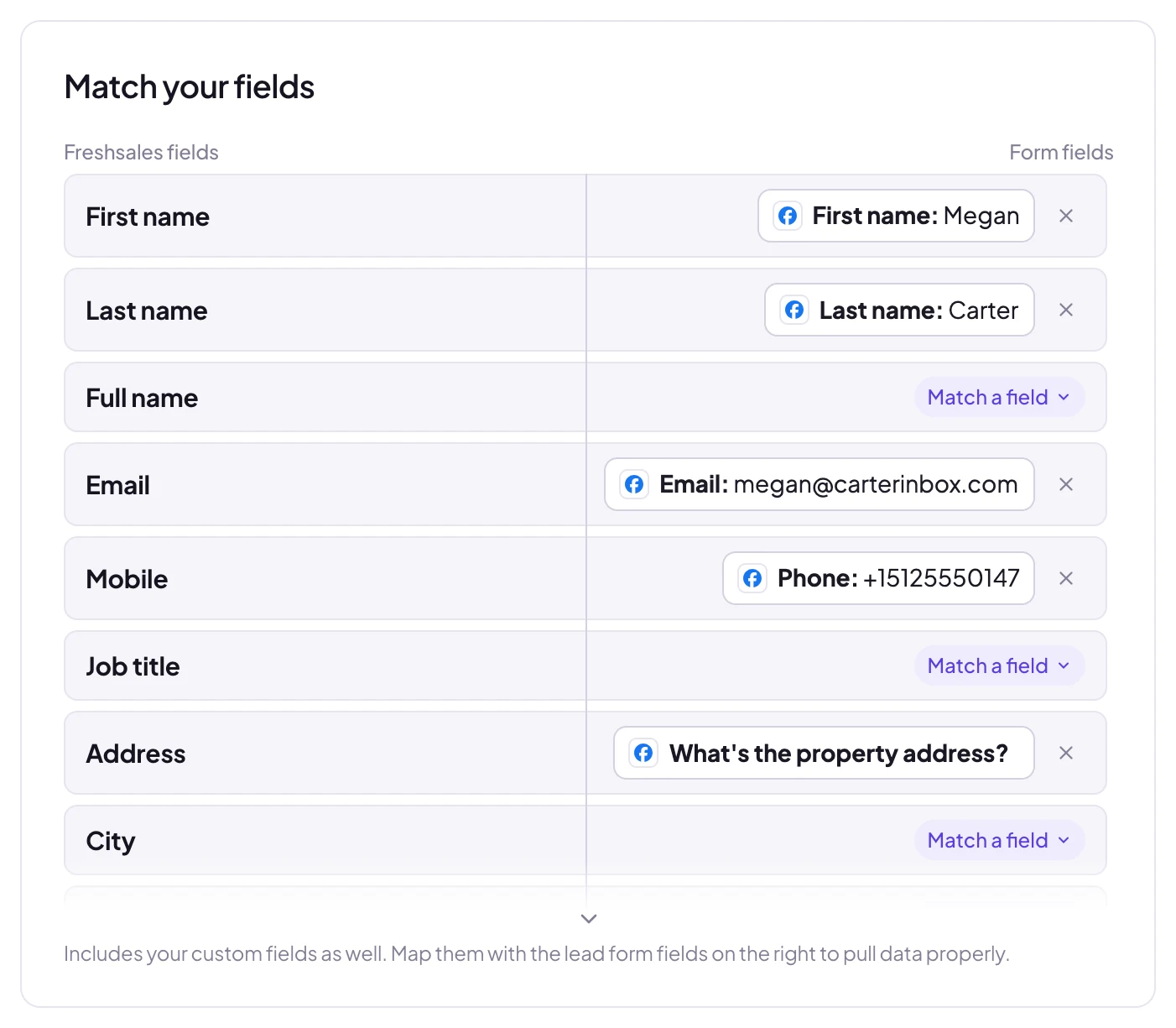
Connect your Facebook Page in LeadSender, choose Freshsales as the destination, and map each question on your lead form to a field. Paste your API key and bundle alias from Personal settings, API settings in Freshsales. LeadSender checks them with Freshsales straight away and keeps the key on its own servers. Once it is switched on, every new submission is delivered automatically.
How fast do leads reach Freshsales?
Seconds. LeadSender is subscribed to Meta's leadgen webhook, so Facebook tells us the moment a form is submitted and we deliver straight on to Freshsales. There is no polling window and no sync schedule to wait for.
Do I need Zapier to connect Facebook Lead Ads to Freshsales?
No. LeadSender talks to Meta and to Freshsales directly, so there is no Zapier plan to pay for on top and no extra hop for a lead to get stuck in.
Can I map my own custom fields in Freshsales?
Yes. When you connect Freshsales, LeadSender reads the live field list from your own account, standard fields and the custom ones you created, so you map each form answer to the field your team actually uses instead of to a fixed list.
How do I connect Freshsales to LeadSender?
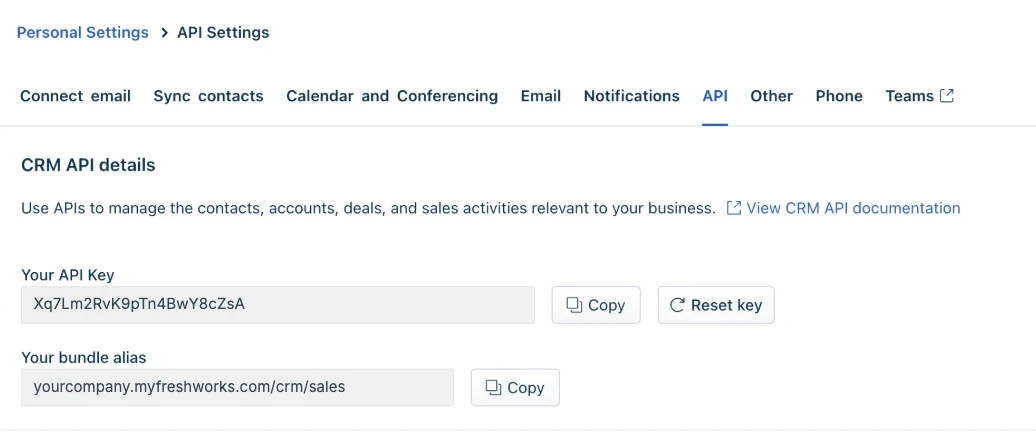
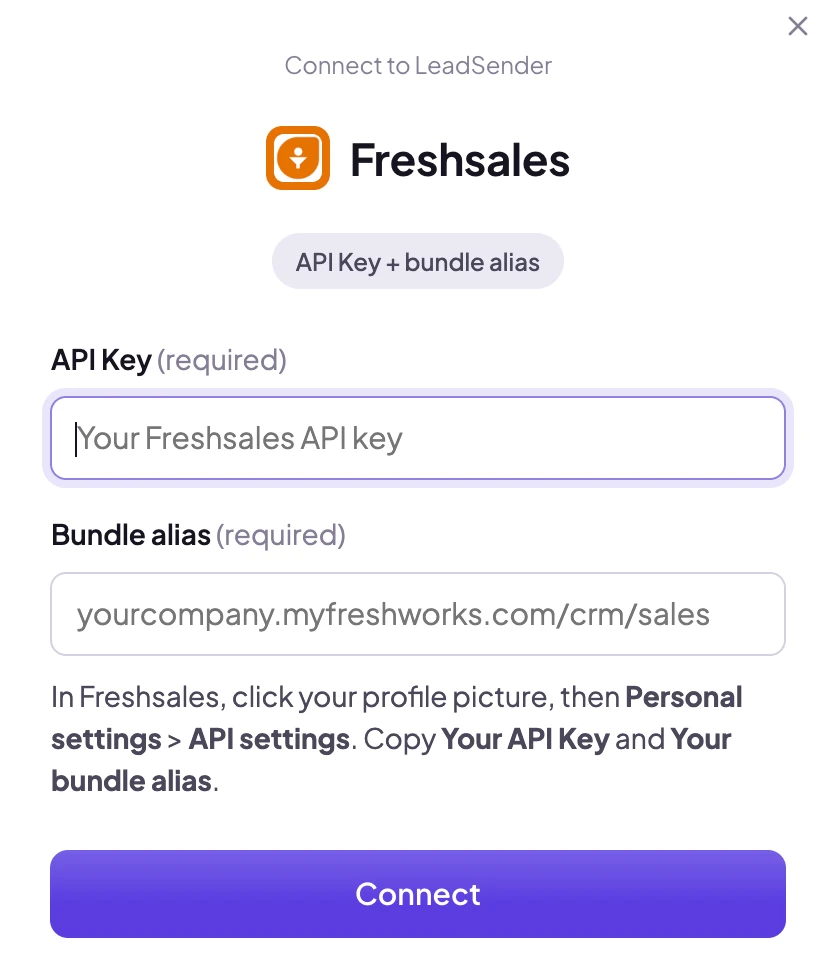
In Freshsales, click your profile picture, then Personal settings, API settings. Copy Your API Key and Your bundle alias into LeadSender. They're checked with Freshsales straight away, and the key stays on LeadSender's servers.
Can I assign leads to a sales owner?
Yes. Pick any active user in your Freshsales account as the sales owner. If you don't pick one, Freshsales makes the person whose API key you used the owner.
What if the same person submits twice?
LeadSender matches the contact by email, so a repeat enquiry updates the existing contact instead of creating a second one, and the new answers are added as a note.
Can I fill my Freshsales custom fields?
Yes. Your account's contact custom fields and lead sources are read live from Freshsales, so you can match any of them to a form answer.