How do I send Facebook leads to Kit (ConvertKit)?
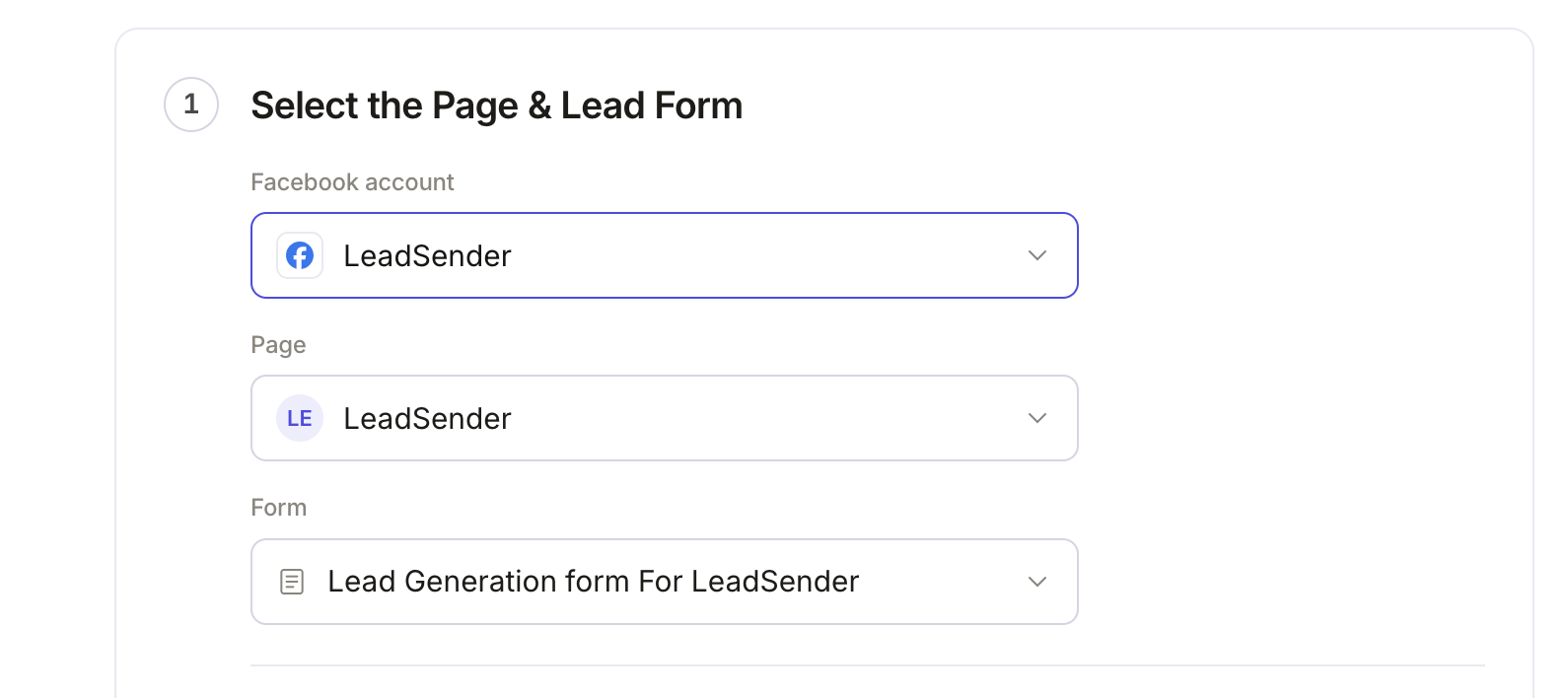
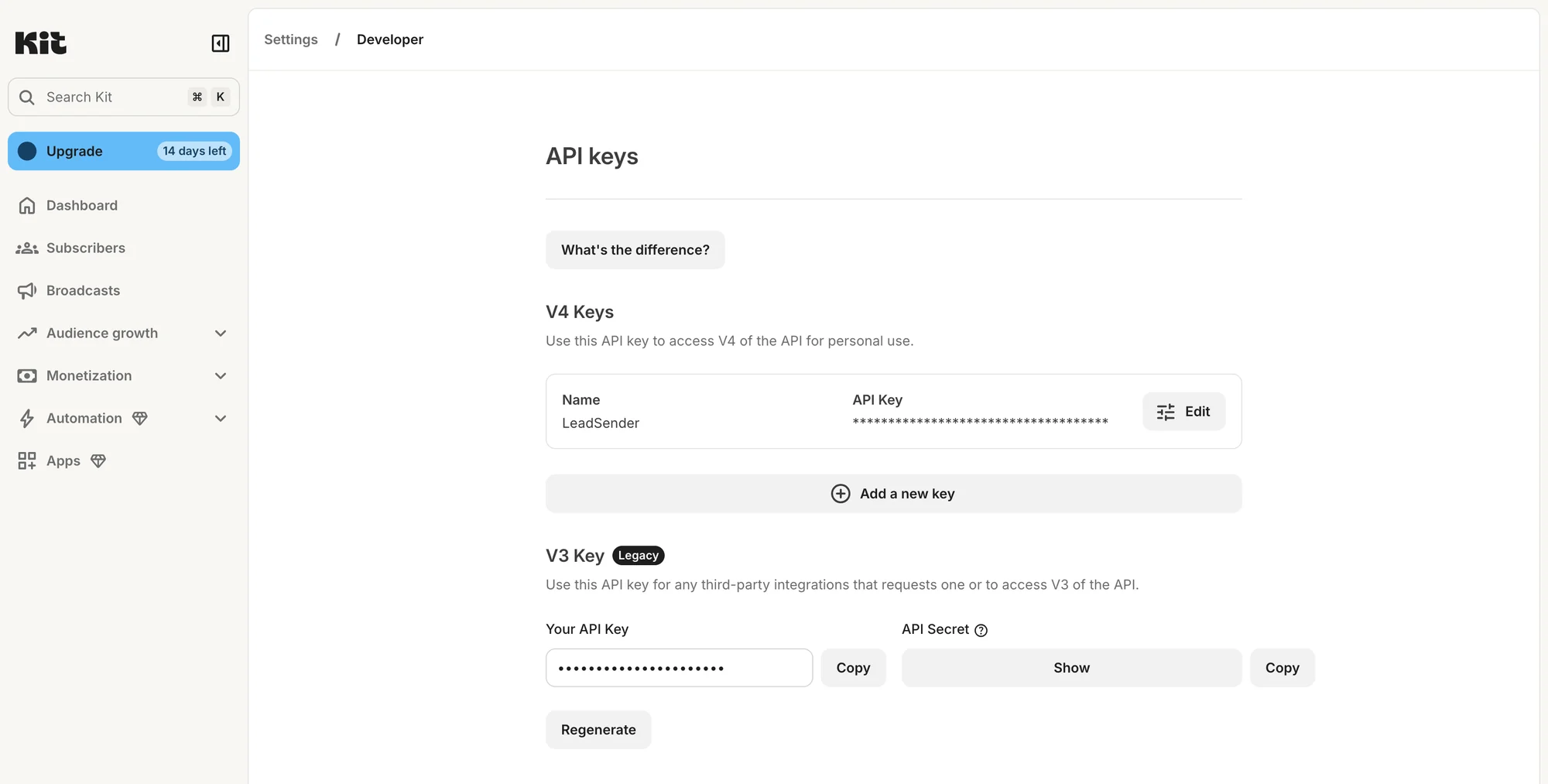
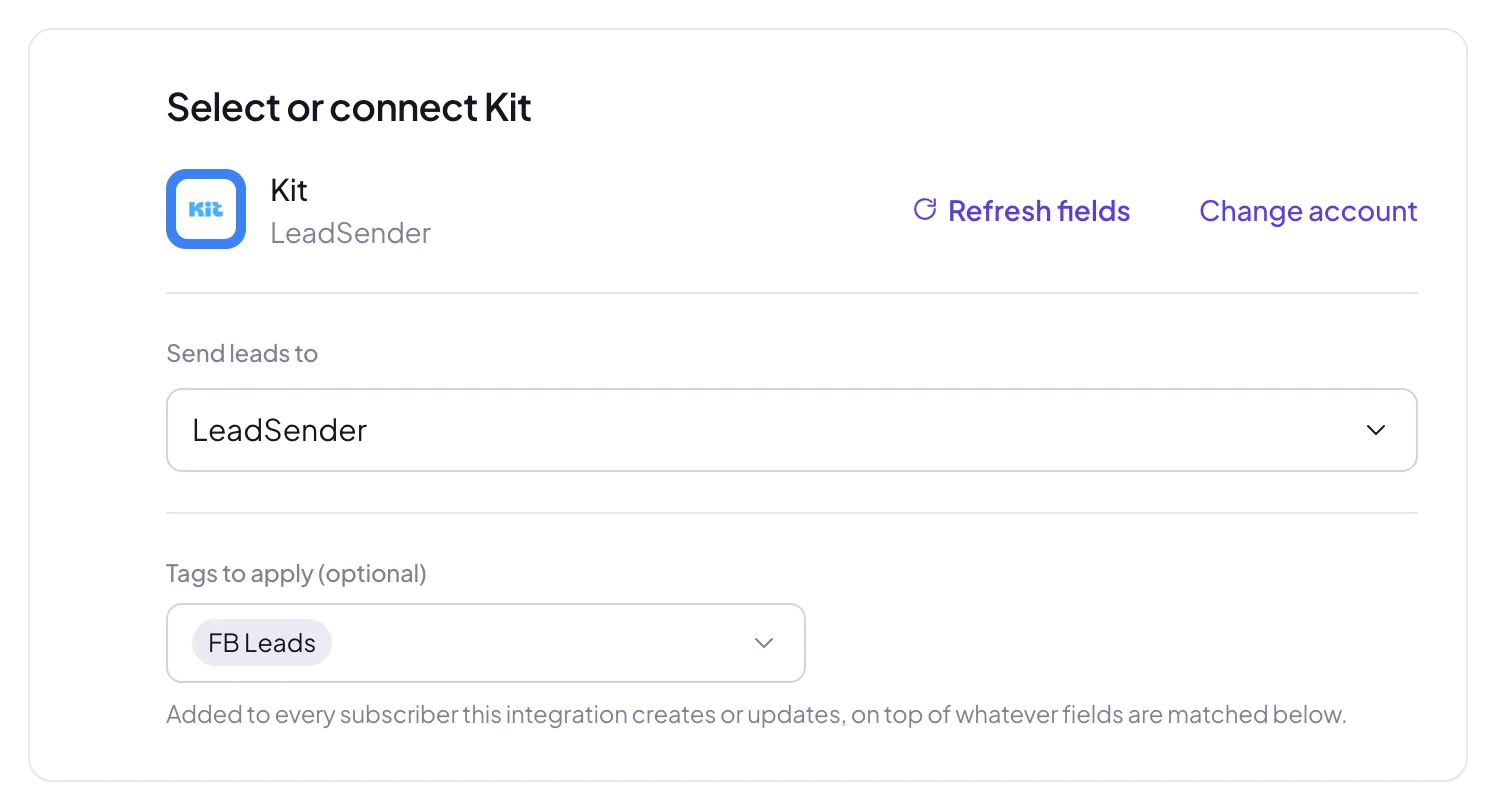
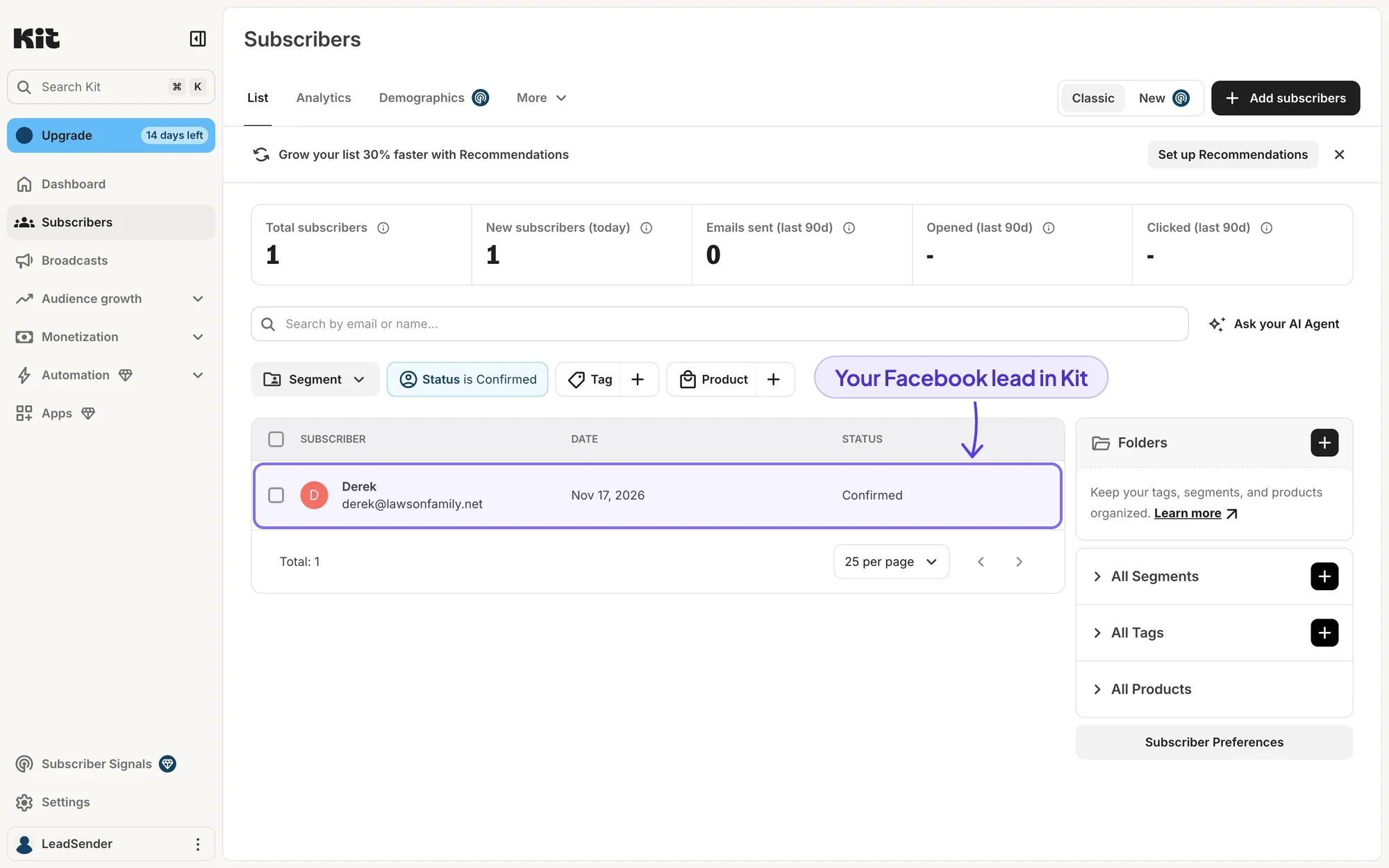
Connect your Facebook Page in LeadSender, choose Kit (ConvertKit) as the destination, and map each question on your lead form to a field. Paste the API key from your Kit account under Settings, then Developer, then API keys (the V4 key, not the legacy V3 one). Once it is switched on, every new submission is delivered automatically.
How fast do leads reach Kit (ConvertKit)?
Seconds. LeadSender is subscribed to Meta's leadgen webhook, so Facebook tells us the moment a form is submitted and we deliver straight on to Kit (ConvertKit). There is no polling window and no sync schedule to wait for.
Do I need Zapier to connect Facebook Lead Ads to Kit (ConvertKit)?
No. LeadSender talks to Meta and to Kit (ConvertKit) directly, so there is no Zapier plan to pay for on top and no extra hop for a lead to get stuck in.
Can I map my own custom fields in Kit (ConvertKit)?
Yes. When you connect Kit (ConvertKit), LeadSender reads the live field list from your own account, standard fields and the custom ones you created, so you map each form answer to the field your team actually uses instead of to a fixed list.
Which Kit API key do I need?
A V4 API key. In Kit, go to Settings, Developer, API keys and create one under V4 Keys. The older V3 key on the same page won't work.
Can a Facebook lead start a Kit sequence?
Yes. Choose the tags to apply in LeadSender, then start your visual automation or sequence when that tag is added.